
Private by Default: The New Way Lawyers Create Filing-Ready PDFs
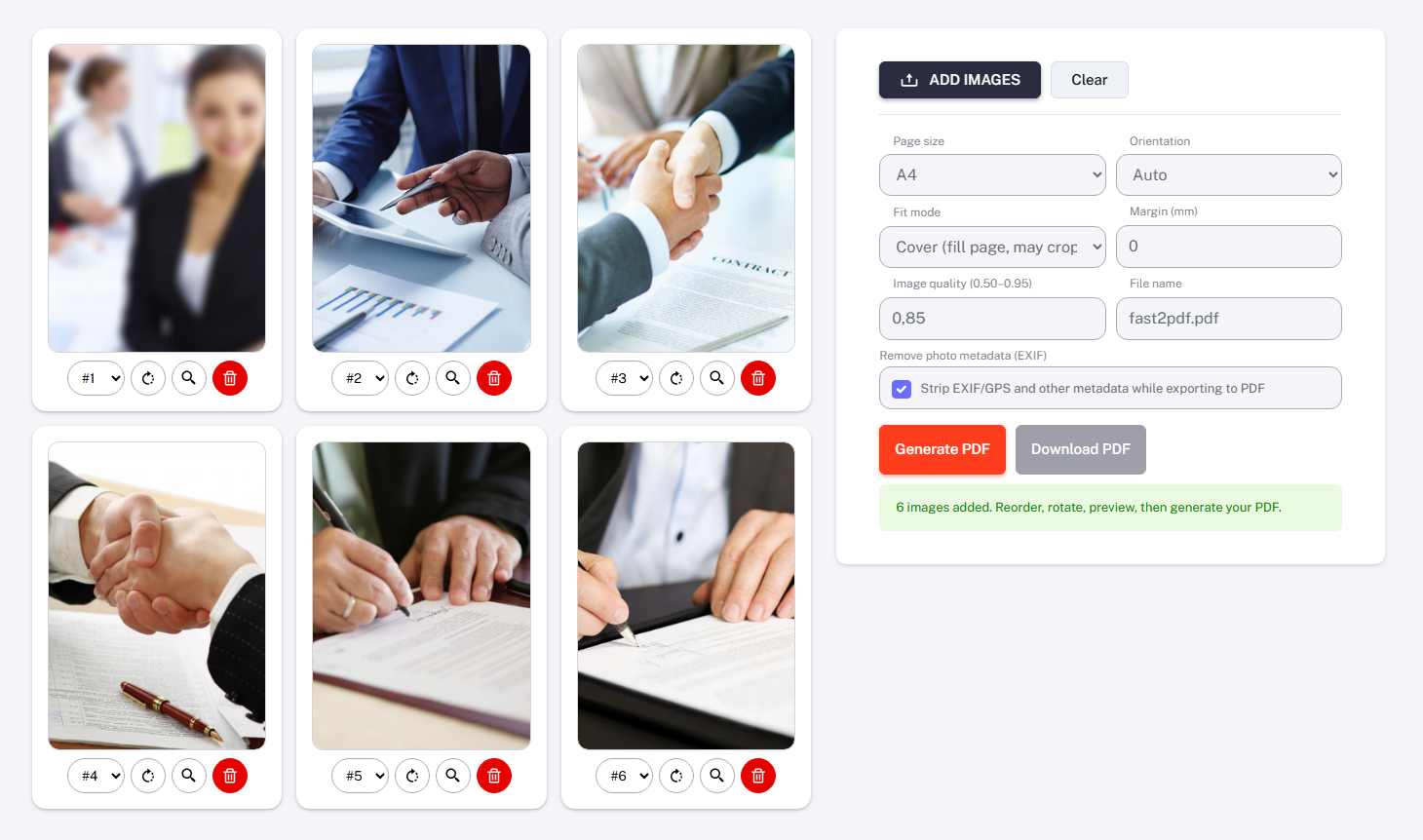
Photos, screenshots, and client documents live everywhere — phones, chats, emails. Turning them into one clean PDF usually means scanners or risky cloud tools. A browser-only workflow now does it locally, on the user’s device. Faster work, fewer leaks, real control over evidence. Add your images or photos, choose how the final PDF should look, decide whether to remove file metadata, and generate a document with your preferred filename in seconds.
Everything is processed locally — 100% private and fully under your control.
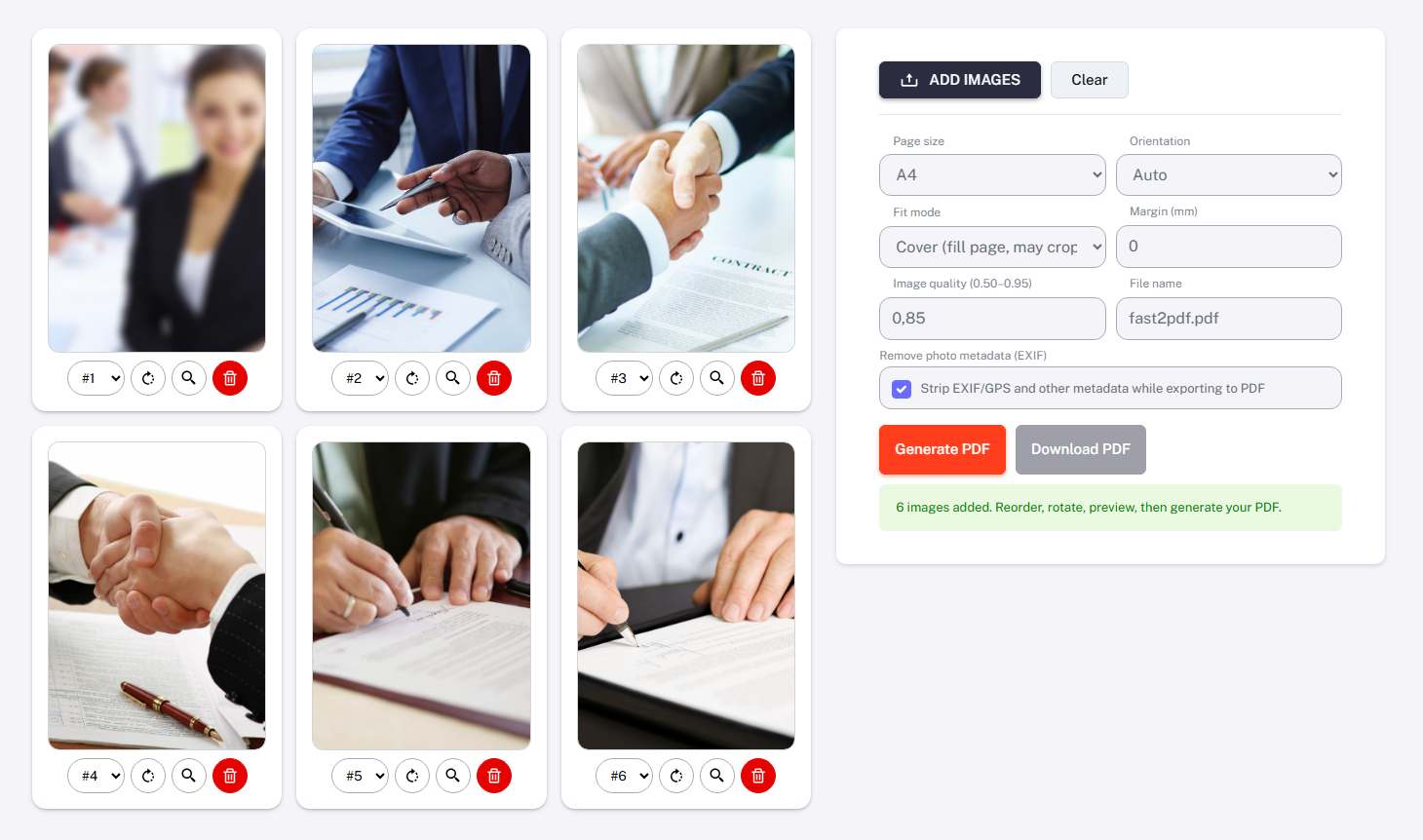
One Evidence File
All materials become one ordered, labeled PDF for filings and discovery. Page order is verified before export, not after rejection by court clerks. Errors drop because everything is visible in preview.
Typical legal use-cases
| Practice area | What goes into the PDF |
|---|---|
| Personal injury | Accident photos, injuries, bills, timeline |
| Family law | Message screenshots, evidence photos, exhibits |
| Criminal defense | Scene photos, screenshots, discovery materials |
| Immigration | IDs, confirmations, client documents |
| Employment law | Incident photos, internal communication |
Privacy First Workflow
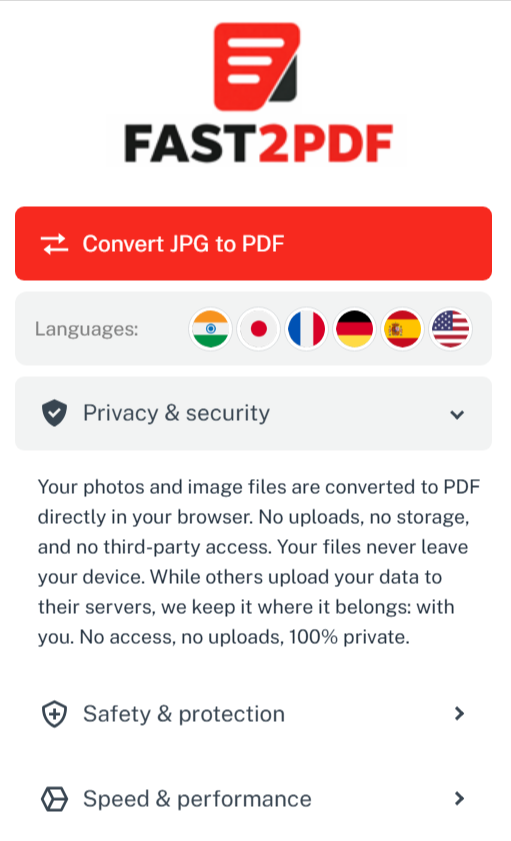
Processing runs inside the browser, not on external servers. Files are never uploaded, stored, or shared with third parties. This reduces exposure of medical, family, and criminal data.
Why this matters for compliance
- No cloud retention of sensitive client files
- Lower risk of breach or misconfiguration
- Usable in office and in the field
- Supports internal data-handling policies
Note: This is not legal advice and does not replace firm compliance rules.
Court-Ready Output
Images can be enhanced with high-contrast “document look” filters. Pages can be labeled with captions like date, location, or exhibit number. Output matches US legal formats and terminology.
Court-focused features
| Feature | Practical value |
|---|---|
| Page reordering | Fewer filing mistakes |
| Rotate & crop | Clean orientation |
| Exhibit captions | Clear identification |
| Letter / Auto size | US court standards |
| Remove EXIF/GPS | No hidden metadata |
Workflow (practical)
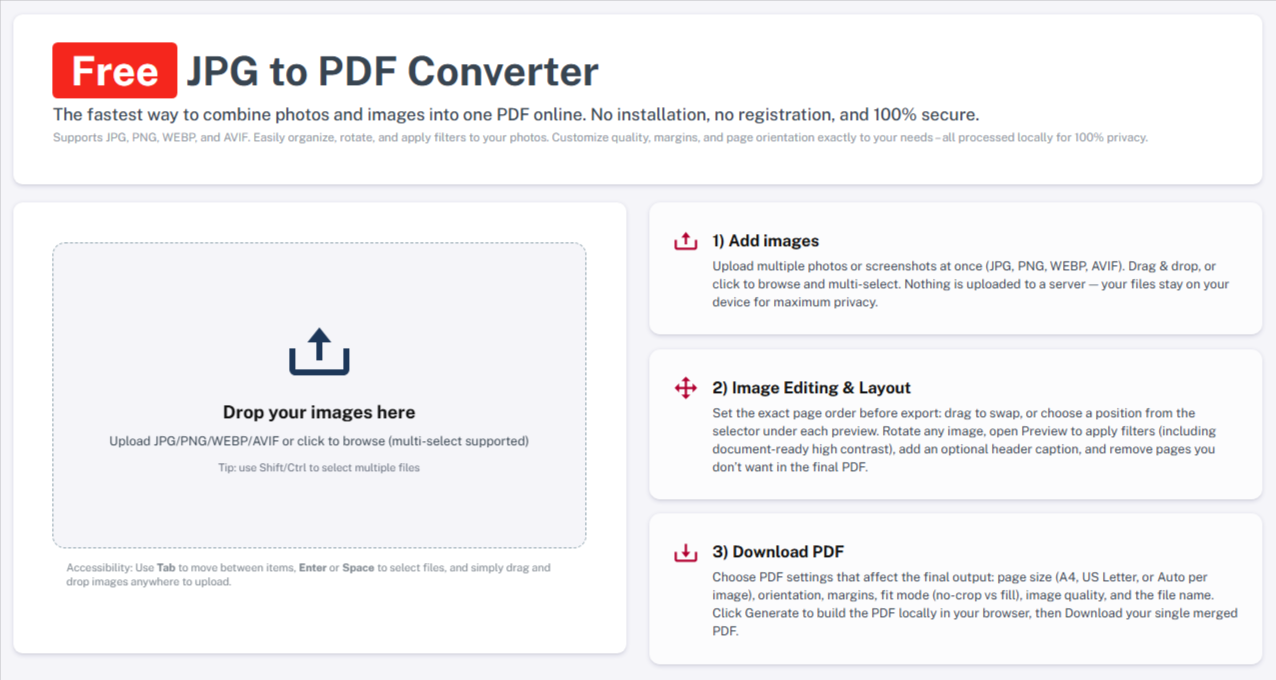
From adding images to generating a professional PDF takes only seconds. Even if you apply filters and add captions to each file, the entire process is done in minutes — with no server upload, no cloud, and complete privacy and discretion.
- Add images (multi-select or drag & drop)
- Reorder, rotate, swap positions
- Preview with filters and optional captions
- Choose PDF settings (Letter/Auto, margins, filename, quality)
- Generate and download
Personal Injury
Crash photos, injury progress, medical bills, and timelines become one ordered exhibit packet. You control page order before filing. No scanner. No cloud. Just clean evidence for negotiations and court.
Family Law
Screenshots of messages, photos of property damage, and supporting documents merge into one private PDF. Each page can be labeled by date or event. Perfect for motions and affidavits.
Criminal Defense
Scene photos, discovery screenshots, and evidence images are structured into a single discovery packet. High-contrast filters improve document photos. Fewer mistakes when assembling exhibits.
Real Estate & Notaries
Signature photos, annexes, and closing checklists become one closing bundle. Letter format ensures print-ready output. Ideal for same-day transactions.
Immigration Law
IDs, confirmations, and supporting photos are combined into one submission file. Auto sizing prevents formatting errors. No external storage of sensitive personal data.
Employment Law
Screenshots of internal chats, incident photos, and policy documents form one chronological PDF. Easy to annotate by date and incident. Ready for HR disputes or litigation prep.
Corporate & Business Law
Contract images, whiteboard photos, and deal notes convert into one organized attachment set. Filename control keeps records audit-friendly. Works in office or on site.
Bankruptcy Law
Client documents, creditor letters, and proof of income images compile into one filing packet. Page order is verified visually. Fewer rejected submissions.
Intellectual Property
Photos of infringing products, screenshots of websites, and proof of use become one evidence bundle. Captions identify source and date. Clean for cease-and-desist or court filings.
Medical Malpractice
Clinical photos, reports, and timelines merge into one structured case file. High-contrast filters improve readability of photographed documents. Secure handling of highly sensitive material.
Why lawyers adopt this workflow: One tool. One PDF. Zero uploads. Exhibits, attachments, and discovery packets assembled in minutes — privately, locally, and under your control.
FAQ
Do you store files?
No files are stored or transmitted. All processing happens locally on your device and disappears when you close the browser.
Does it require registration?
No registration or account is required. The tool works instantly without collecting user information.
Is it mobile compatible?
Yes, it works on mobile devices, with performance depending on your phone or tablet’s memory and processing power.
What about metadata?
You can remove EXIF and GPS metadata during export to prevent sharing hidden location or device information.
Which formats are supported?
The tool supports JPG, PNG, WEBP, and AVIF image files for conversion into PDF.
Are there any limits?
There is no fixed file limit; performance depends only on your device’s available memory. Very large images may take longer to process.


Share Your Opinion!
Want your comment to stand out? Logged-in comments are more trusted and make a bigger impact! Sign in with Google to join the discussion and share your thoughts about Private by Default: The New Way Lawyers Create Filing-Ready PDFs. It only takes a moment to register or log in. Your voice matters!
Write a Comment!